Microsoft is enhancing its AI assistant, Copilot, with a range of new features to improve personalization and functionality, aligning it more closely with competitors like ChatGPT. Key updates include the introduction of Memory, which allows Copilot to remember user preferences and details, enabling tailored interactions. Users can manage what information Copilot retains or choose to opt out.
The new Actions feature empowers Copilot to perform tasks via a web browser, such as booking tickets and shopping, while the Copilot Vision capability expands its ability to analyze visual content from both screens and mobile cameras. Additionally, Deep Research functionality enables Copilot to process large datasets and integrate responses with Bing for enhanced search capabilities.
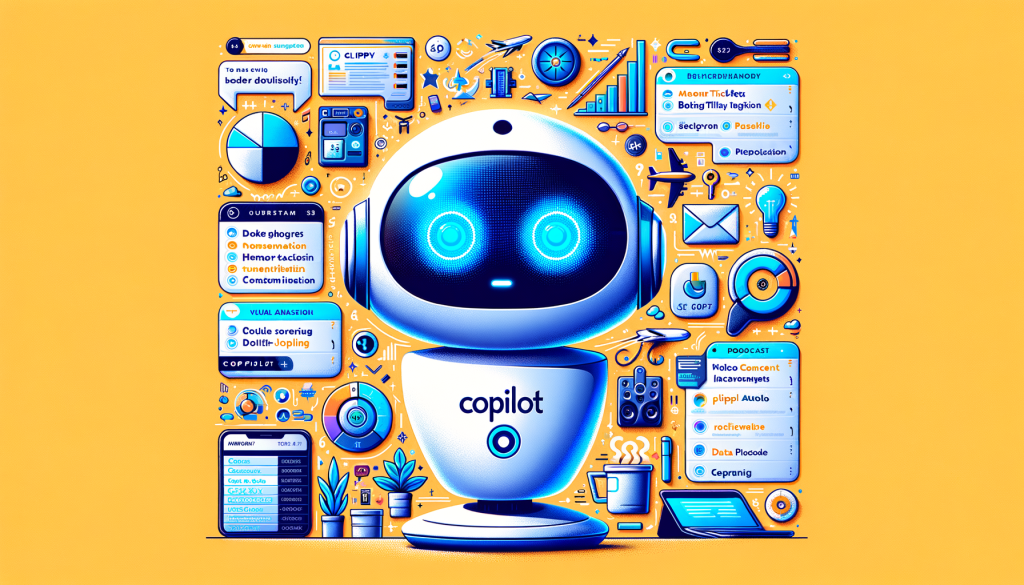
Copilot can now generate podcast-style audio content and organize research across documents with a new Pages feature. Microsoft is rolling out these features gradually, demonstrating its commitment to innovation and competition in the AI space. Notably, users will have the option to personalize Copilot’s appearance, including the nostalgic Clippy character.